OpenJooki
For your Jooki 2 — from your phone.
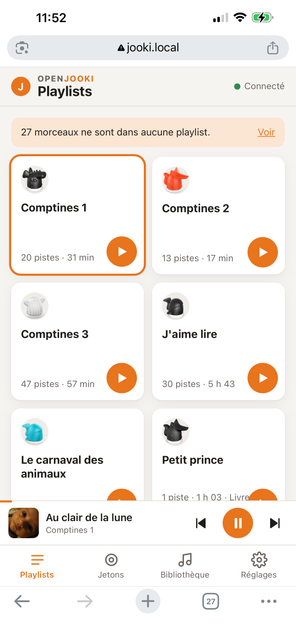
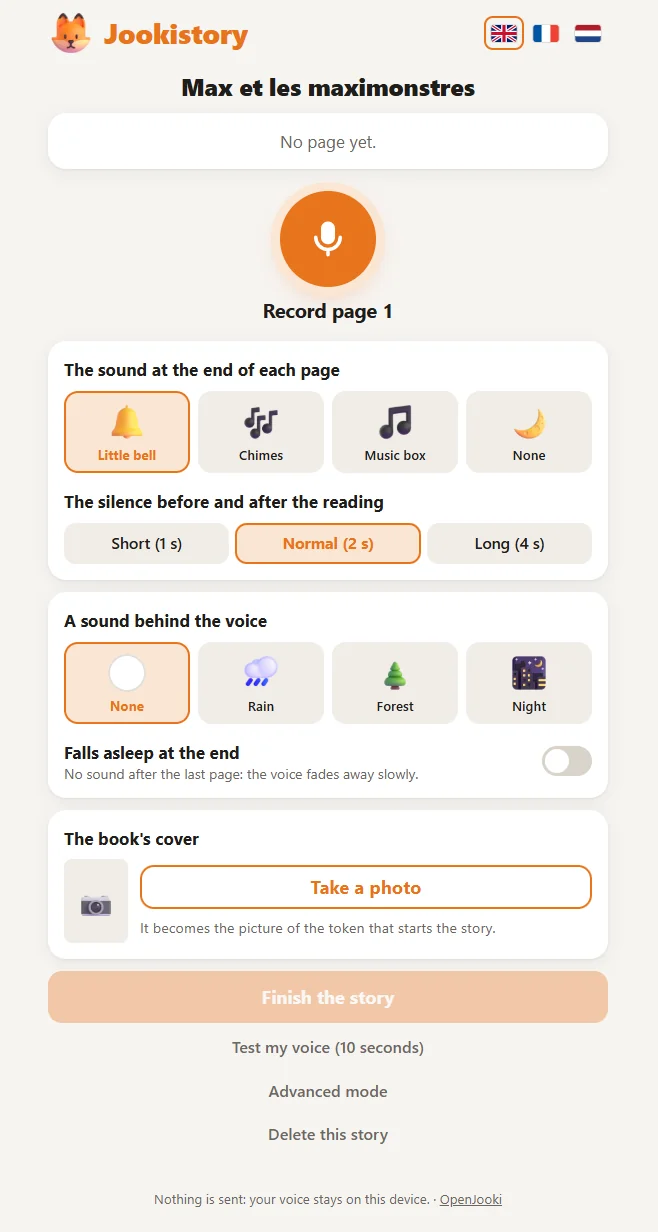
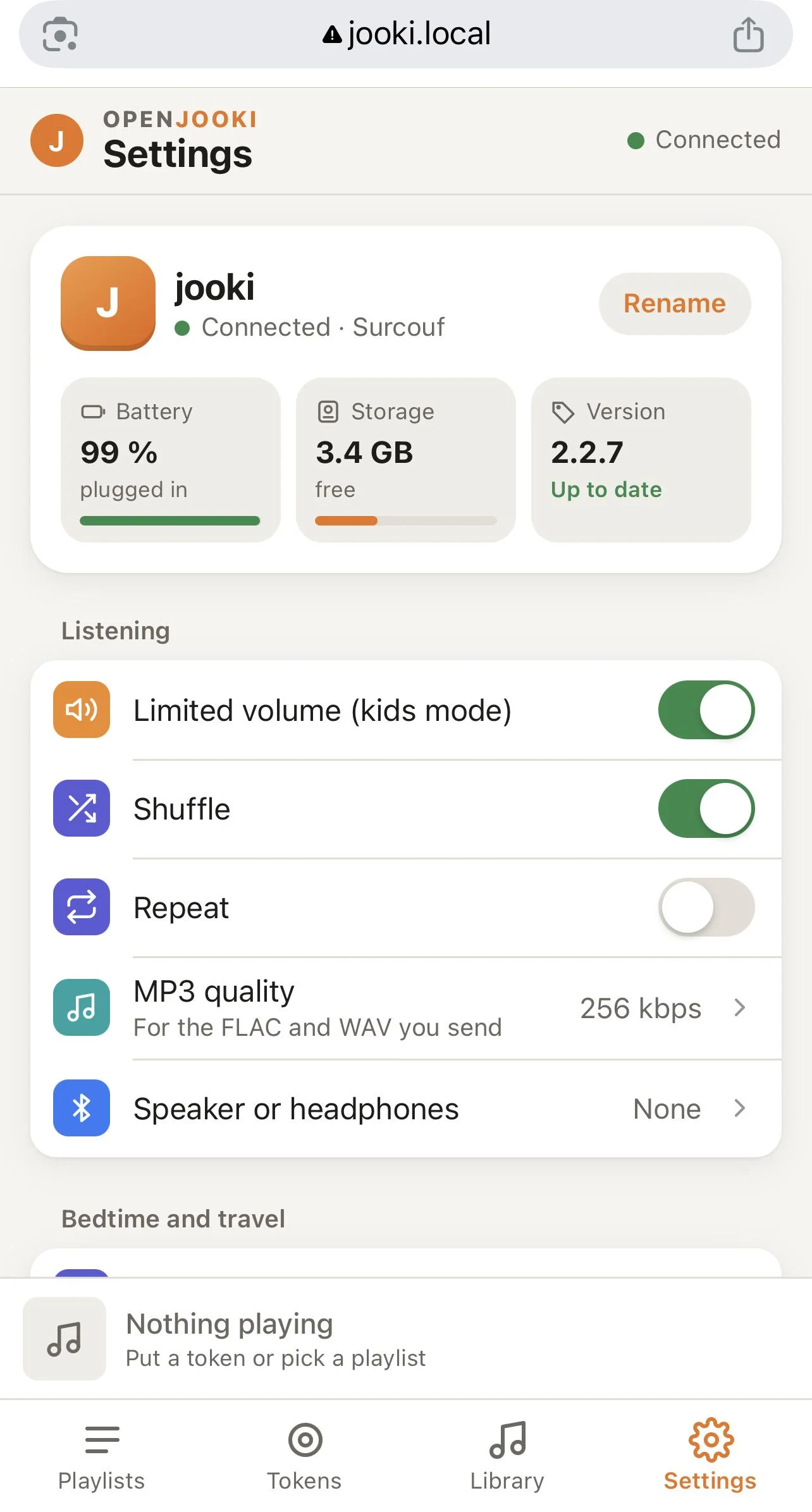
Phone on the same Wi-Fi as the Jooki.
For a Jooki 2 that still has its original program. Keeps your music. If anything goes wrong, the Jooki goes back by itself.
Updates are done from the Jooki's own page: Settings, then Update.
Where do I find this address?
In your internet box's page or app, look at the list of connected devices: the one whose name starts with jooki. It looks like 192.168.1.42.
Side dots dark, reset does nothing: the memory card is dead. Ten minutes with a computer. Same tool for a bigger card, or to go back to the original Jooki.
My Jooki lost its Wi-Fi: moved house, new box, new passwordTwo minutes with an Android phone or a computer (Windows, Mac, Linux), in Chrome.
Not from an iPhone or iPad: Apple does not let any web page use Bluetooth, and the Jooki only listens over Bluetooth when it has no Wi-Fi. Borrow an Android phone or use a computer, once.
Installing OpenJooki…
15:00
Please wait — your Jooki is working now and will restart on its own.
Nothing else appears here, and that's completely normal.
If a small ok tab popped up, ignore it — it's harmless and closes by itself.